No. 035dropbox.com
Dropbox
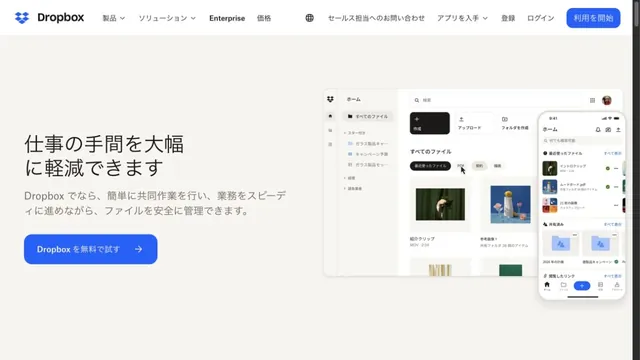
Product & SaaSFiles and screens float lightly across a soft white background.
Overlapping examples of creative work convey the range of the tool.
Apply this idea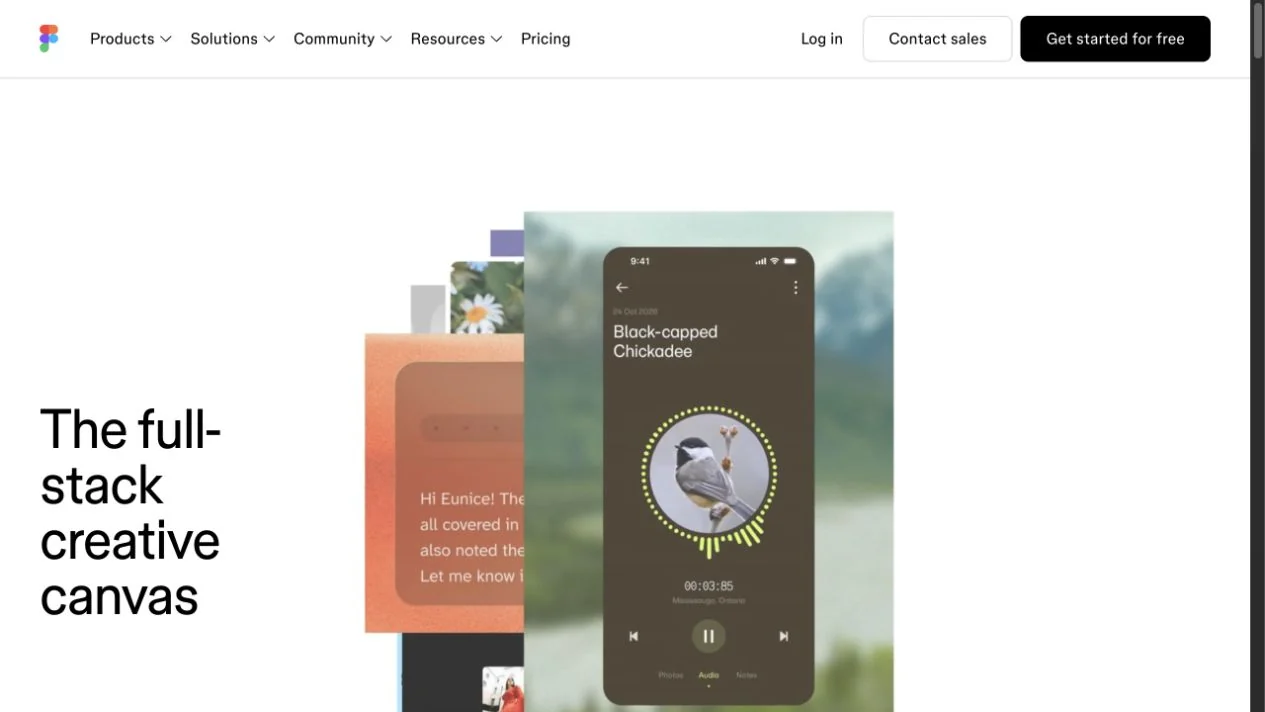
WHAT CAUGHT OUR EYE
Panels of different creative outputs overlap on a white background.
Large text on the left and visuals on the right give the screen rhythm.
Short copy at the lower left is paired with overlapping works of different sizes on the right, showing the range of uses visually.
MAKE IT YOURS
For a service with many use cases, consider a collage with clear primary and supporting elements alongside evenly spaced, equal-sized cards. It can communicate the diversity of work without adding more text.
Public pages reviewed and independently presented by Design Quest.
Screens reflect the capture date. Visit the official website for its current appearance and interactions.
From study to design
Turn the study’s observations into a brief. Fill in your project details and share it with your team or an AI assistant.
Design Quest UI example
ComponentsEdit the text directly. Copy your version or save it as a Markdown file.
Pass a detail you like on to your team or friends.
Link to this study with the badge. You can also ask us to correct or remove the listing.

Files and screens float lightly across a soft white background.
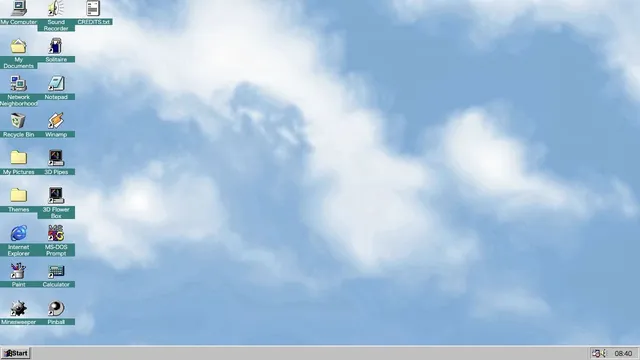
Familiar desktop controls become an entry point for exploration in the browser.
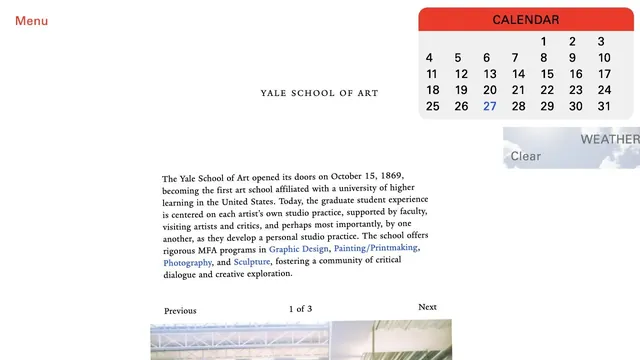
An unconventional school website where unpolished text coexists with components such as a calendar.