No. 050goodtypefoundry.com
Good Type Foundry
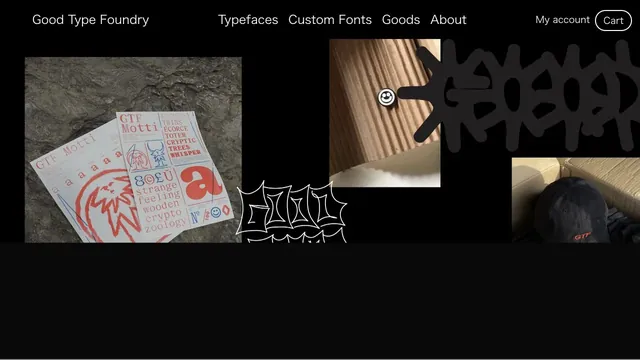
Design toolsTypefaces, merchandise, and photography share a black surface, showing the material quality of letterforms.
Blue accents on a black page present the product alongside its uses.
Apply this idea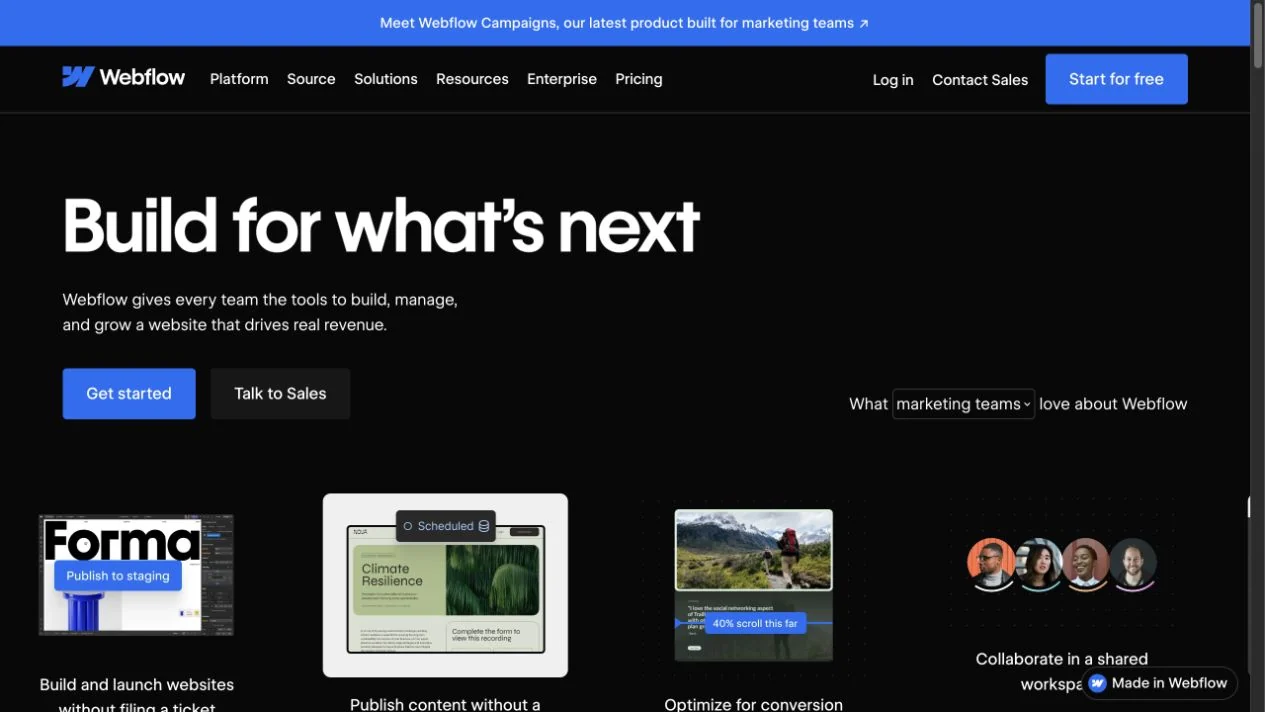
WHAT CAUGHT OUR EYE
Bold headings and small feature descriptions establish a reading order.
Blue buttons and bands accent actions and announcements.
Small example cards and user avatars share a row, showing the tool's output and the people using it together.
MAKE IT YOURS
To convey a tool's appeal, include small samples of finished work alongside the feature list. Consistent sample dimensions and description placement make different outputs quick to compare.
Public pages reviewed and independently presented by Design Quest.
Screens reflect the capture date. Visit the official website for its current appearance and interactions.
From study to design
Turn the study’s observations into a brief. Fill in your project details and share it with your team or an AI assistant.
Design Quest UI example
ComponentsEdit the text directly. Copy your version or save it as a Markdown file.
Pass a detail you like on to your team or friends.
Link to this study with the badge. You can also ask us to correct or remove the listing.

Typefaces, merchandise, and photography share a black surface, showing the material quality of letterforms.
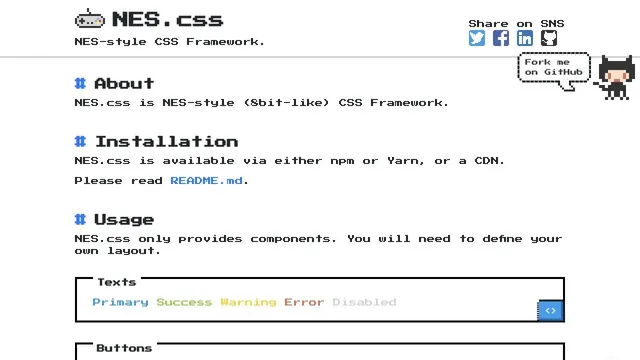
Pixel type and angular components are organized into UI examples you can actually try.
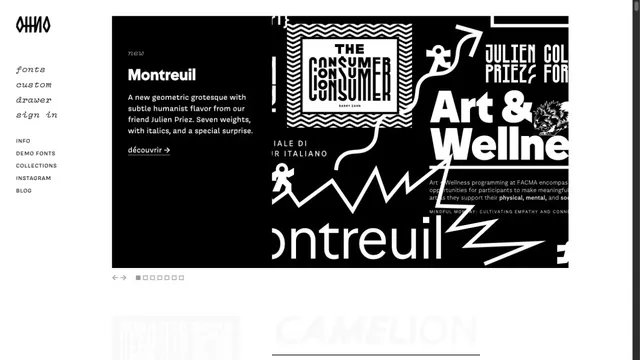
A typeface showcase centered on the shapes of letters.