No. 077cargo.site
Cargo
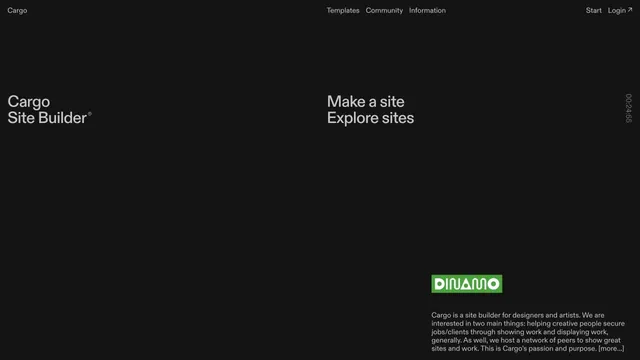
Design toolsA site builder's entry point defined by expansive empty space and scattered text.
An input field in a black space shows how to start creating in 3D.
Apply this idea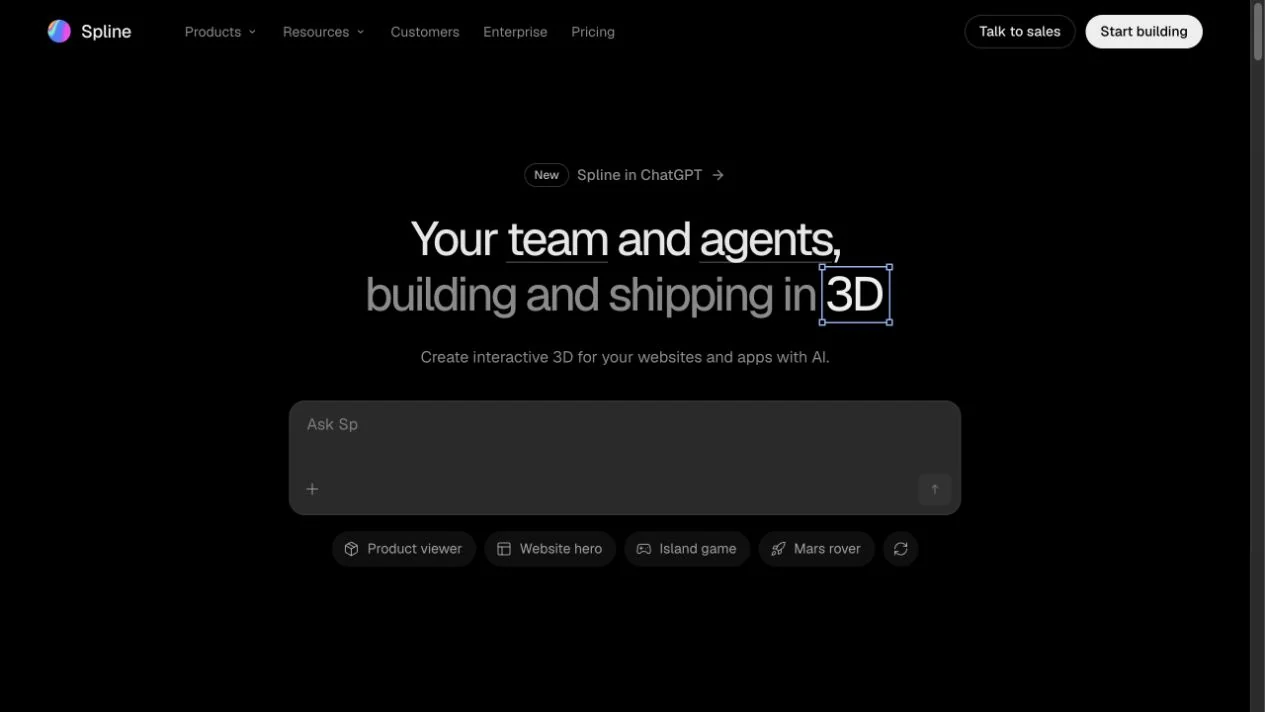
WHAT CAUGHT OUR EYE
The heading and large input field are grouped in the center.
Small use-case choices provide a starting point for creation.
A large prompt field below the heading lets visitors begin creating where they finish reading the explanation.
MAKE IT YOURS
For a creation service that starts with input, keep the explanation and first input field within one screen. Leaving examples and advanced settings for later makes it easier to move from understanding by looking to trying it out.
Public pages reviewed and independently presented by Design Quest.
Screens reflect the capture date. Visit the official website for its current appearance and interactions.
From study to design
Turn the study’s observations into a brief. Fill in your project details and share it with your team or an AI assistant.
Design Quest UI example
ComponentsEdit the text directly. Copy your version or save it as a Markdown file.
Pass a detail you like on to your team or friends.
Link to this study with the badge. You can also ask us to correct or remove the listing.

A site builder's entry point defined by expansive empty space and scattered text.
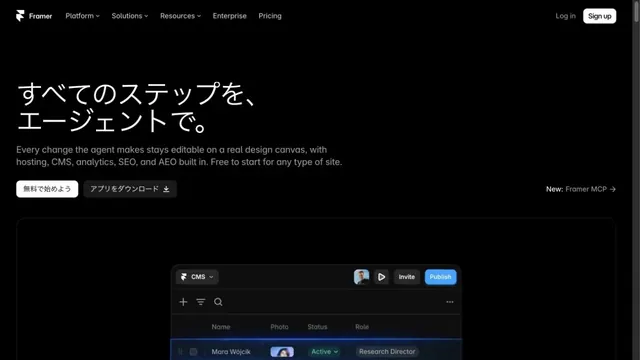
A website-building tool presented through product screens on a black background.
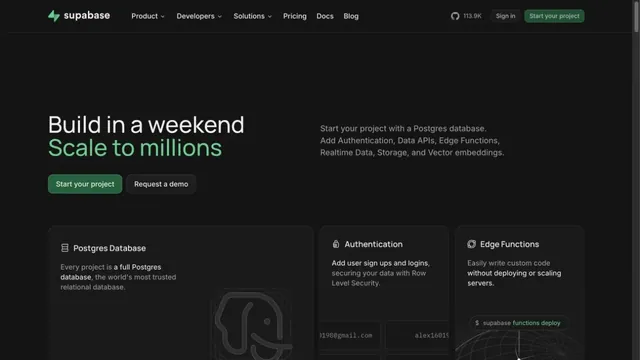
Green accents and neatly organized feature cards define the page.