No. 069spline.design
Spline
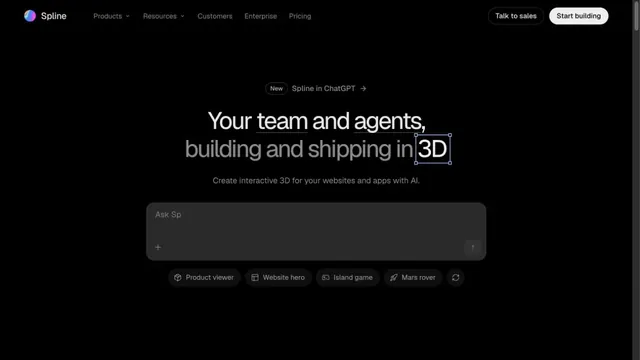
Design toolsAn input field in a black space shows how to start creating in 3D.
A website-building tool presented through product screens on a black background.
Apply this idea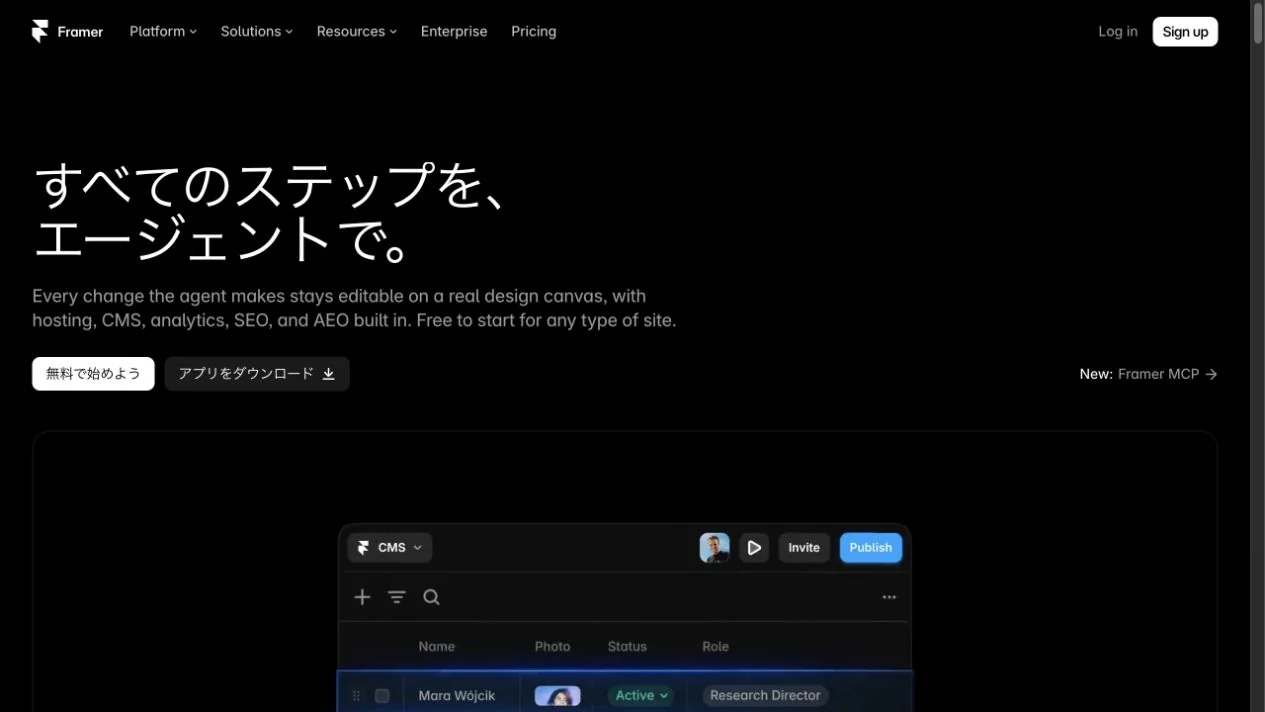
WHAT CAUGHT OUR EYE
A left-aligned message leads the eye to the product demo below.
A bright primary button stands out within a restrained color palette.
The actual editor peeks into view at the bottom, turning abstract copy into a concrete picture of the creation tool.
MAKE IT YOURS
On a creation tool's landing page, avoid separating descriptions and controls into long, distinct sections. Placing the editor immediately after the hero can quickly convey what the tool helps people create.
Public pages reviewed and independently presented by Design Quest.
Screens reflect the capture date. Visit the official website for its current appearance and interactions.
From study to design
Turn the study’s observations into a brief. Fill in your project details and share it with your team or an AI assistant.
Design Quest UI example
ComponentsEdit the text directly. Copy your version or save it as a Markdown file.
Pass a detail you like on to your team or friends.
Link to this study with the badge. You can also ask us to correct or remove the listing.

An input field in a black space shows how to start creating in 3D.
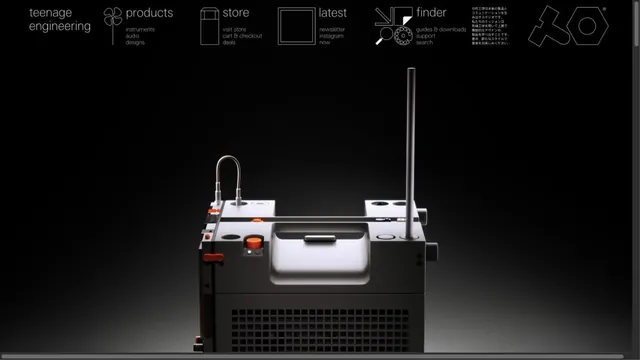
Product photographs are paired with navigation resembling technical drawings.
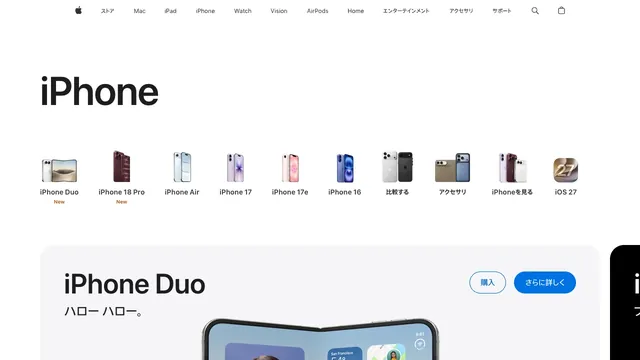
Small product silhouettes introduce the lineup before the page moves into individual products and purchase links.