No. 033pitch.com
Pitch
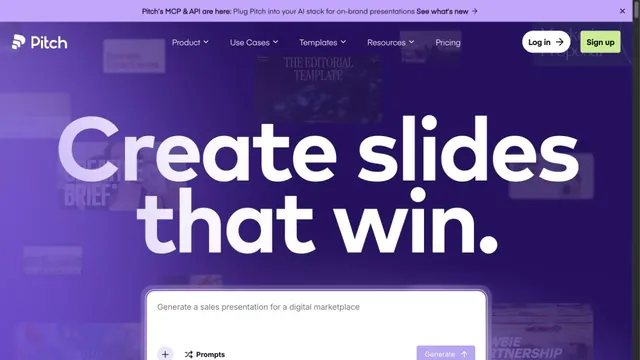
Design toolsA presentation tool with large type standing out against a purple gradient.
A collage of text, photographs, and examples invites free-form website creation.
Apply this idea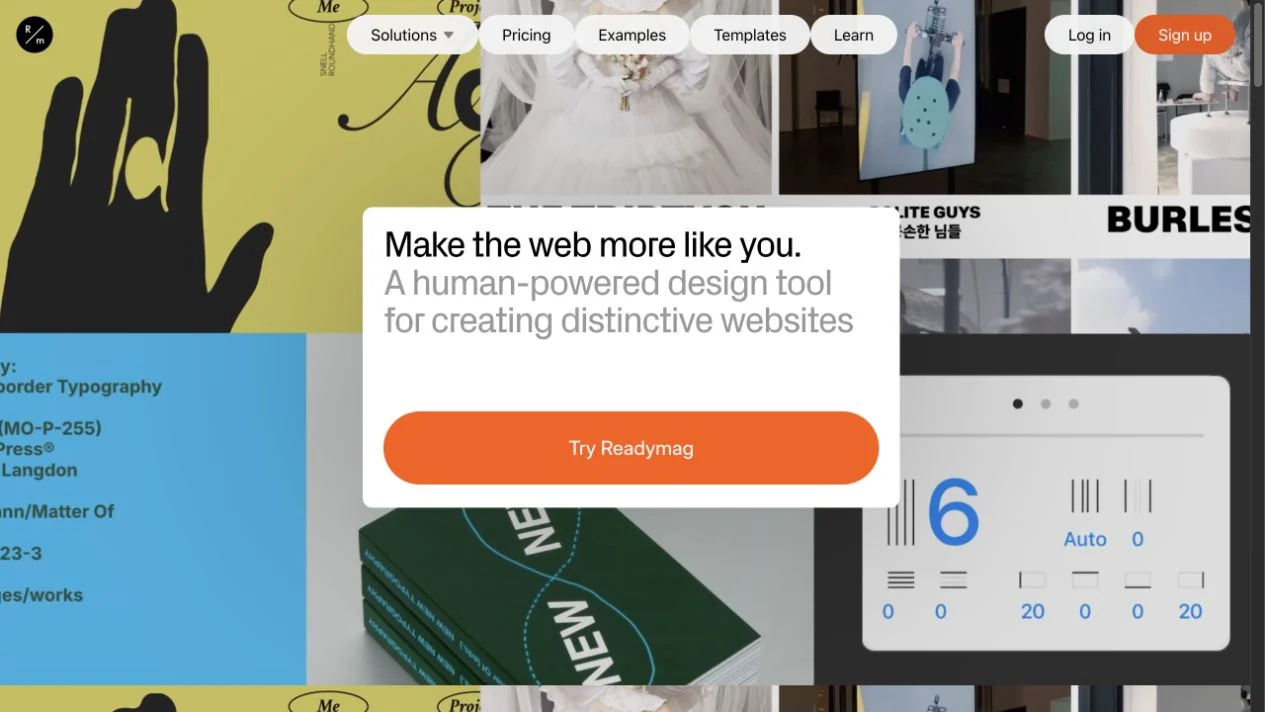
WHAT CAUGHT OUR EYE
Text and examples of different sizes combine across the entire screen.
A simple message card in the center contrasts with the lively background.
A white information panel sits amid varied creative work, separating introductory text and actions from the background.
MAKE IT YOURS
On pages showing many freely arranged works, gather just the explanation and CTA into a plain panel. This preserves the playful background while helping first-time visitors find where to begin.
Public pages reviewed and independently presented by Design Quest.
Screens reflect the capture date. Visit the official website for its current appearance and interactions.
From study to design
Turn the study’s observations into a brief. Fill in your project details and share it with your team or an AI assistant.
Design Quest UI example
Gradient galleryEdit the text directly. Copy your version or save it as a Markdown file.
Pass a detail you like on to your team or friends.
Link to this study with the badge. You can also ask us to correct or remove the listing.

A presentation tool with large type standing out against a purple gradient.
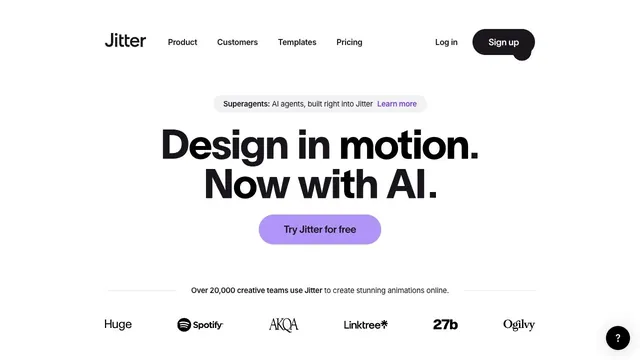
A bold two-line statement and a purple entry point focus attention on where to begin creating motion.
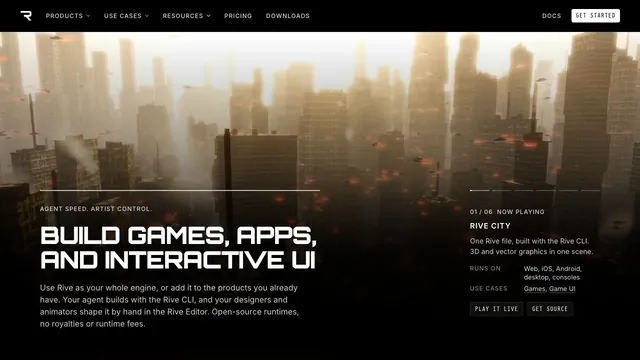
A large 3D demo and technical information share one screen, connecting visual expression with implementation.