No. 049bruno-simon.com
Bruno Simon
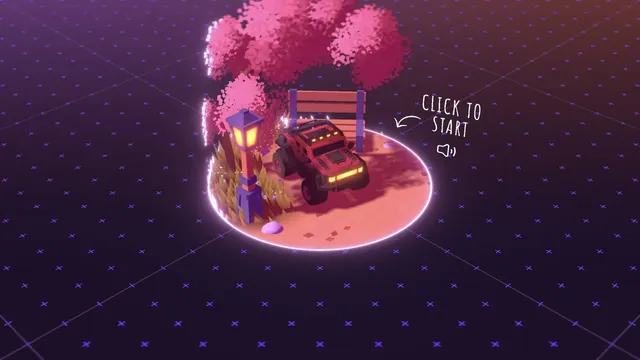
PortfolioA playable portfolio that begins with a small car in a three-dimensional world.
A large 3D demo and technical information share one screen, connecting visual expression with implementation.
Apply this idea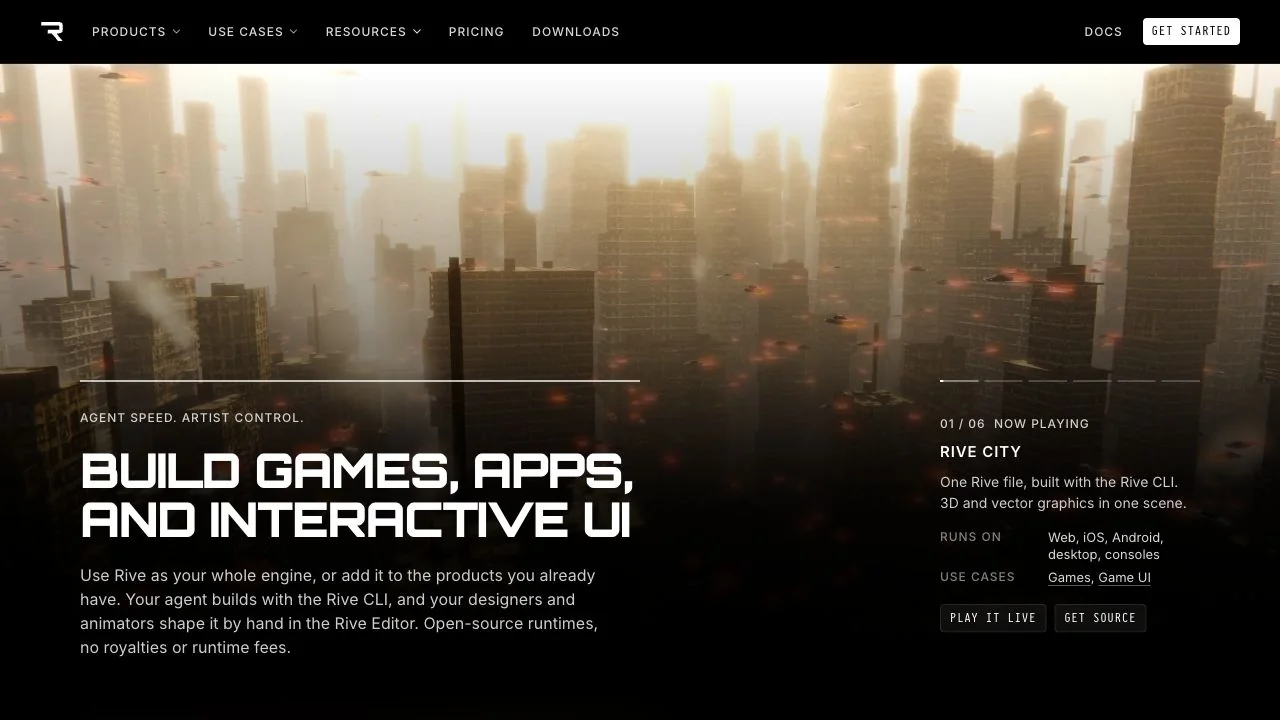
WHAT CAUGHT OUR EYE
A city-like 3D space spans a wide area, with a short, emphatic headline set below it.
The demo name, supported environment, use case, and link to the source are organized in a small information panel on the right.
Consistent black surroundings and white text keep control positions stable even as the video's colors and content change.
MAKE IT YOURS
On a page introducing creative technology, placing use cases and an entry point to implementation in the same view as the beautiful demo connects it to practical work. A size contrast between the demo and explanation balances the initial sense of wonder with detailed evaluation.
Public pages reviewed and independently presented by Design Quest.
Screens reflect the capture date. Visit the official website for its current appearance and interactions.
From study to design
Turn the study’s observations into a brief. Fill in your project details and share it with your team or an AI assistant.
Design Quest UI example
ComponentsEdit the text directly. Copy your version or save it as a Markdown file.
Pass a detail you like on to your team or friends.
Link to this study with the badge. You can also ask us to correct or remove the listing.

A playable portfolio that begins with a small car in a three-dimensional world.
Blue accents on a black page present the product alongside its uses.
A presentation tool with large type standing out against a purple gradient.