No. 005craft.do
Craft
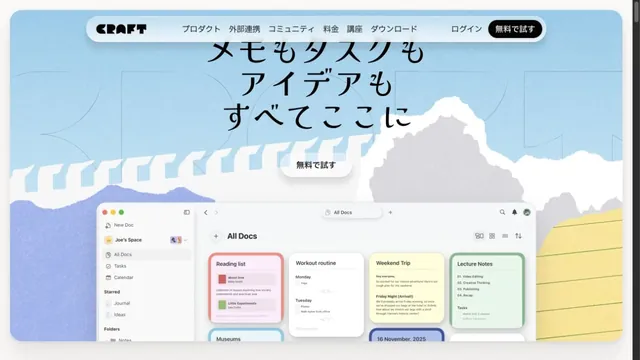
Product & SaaSIllustrations of paper and clouds depict a space for writing.
WHAT CAUGHT OUR EYE
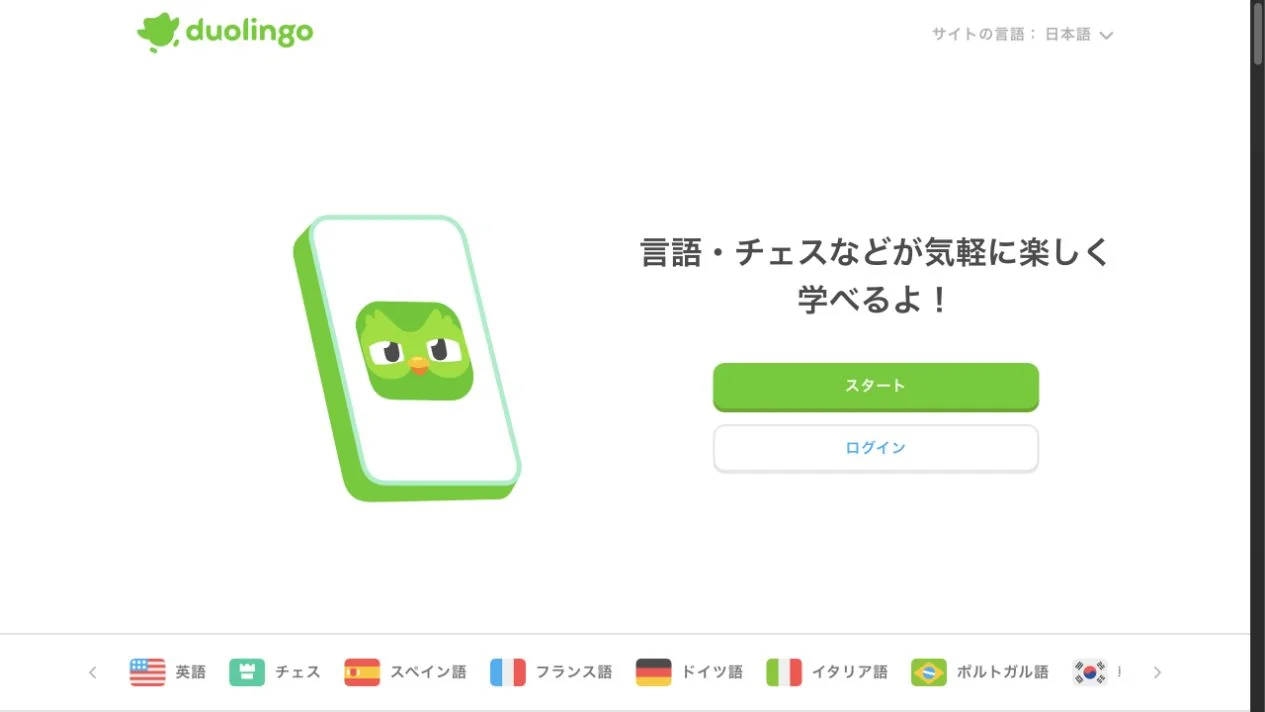
A large character sits on a white screen with plenty of space.
A green button with dimensional depth makes the first action clear.
The character appears inside a device, with a short value proposition and green start button alongside it.
MAKE IT YOURS
A character can guide people through a use case as well as decorate the page. Coordinating the positions of the device, short explanation, and start button can convey both charm and how to begin using the app.
Public pages reviewed and independently presented by Design Quest.
Screens reflect the capture date. Visit the official website for its current appearance and interactions.
From study to design
Turn the study’s observations into a brief. Fill in your project details and share it with your team or an AI assistant.
Design Quest UI example
SaaS productEdit the text directly. Copy your version or save it as a Markdown file.
Pass a detail you like on to your team or friends.
Link to this study with the badge. You can also ask us to correct or remove the listing.

Illustrations of paper and clouds depict a space for writing.
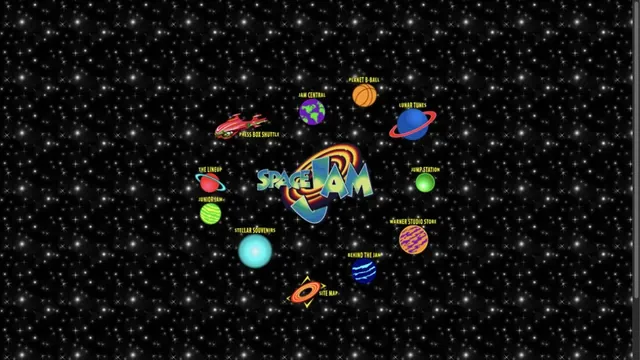
The official 1996 movie site, retaining its starry background and image links.
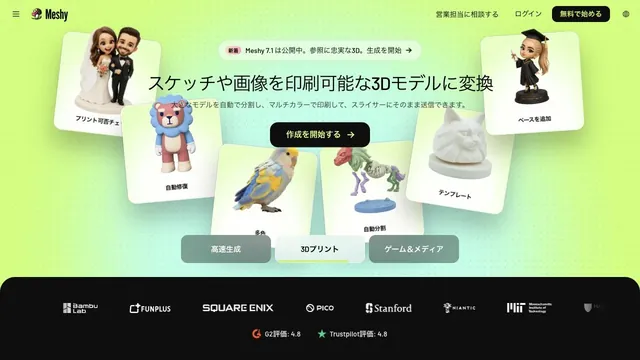
Lime-green light and 3D samples show what can be generated on the very first screen.