No. 066discord.com
Discord
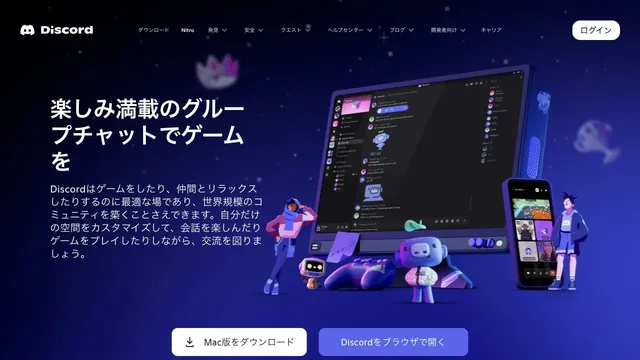
Product & SaaSCharacters and devices gather in a blue-violet space, giving a place for conversation a three-dimensional form.
Lime-green light and 3D samples show what can be generated on the very first screen.
Apply this idea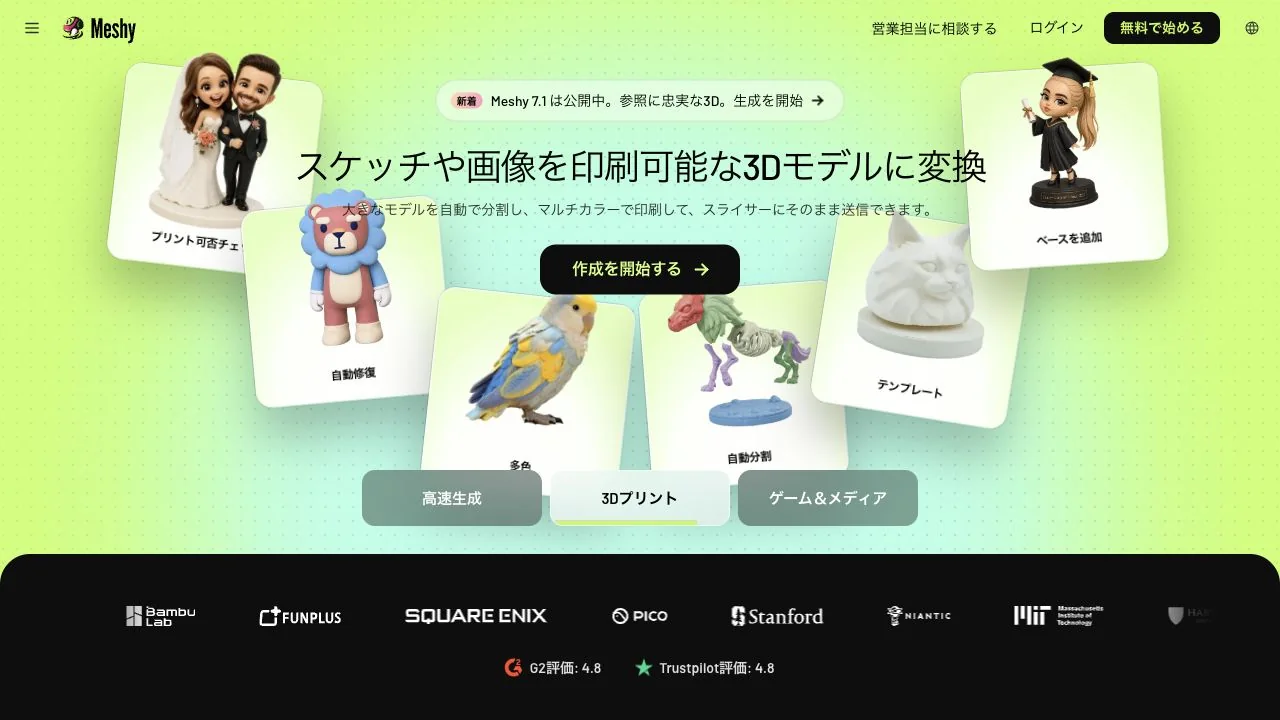
WHAT CAUGHT OUR EYE
Tilted 3D sample cards with shadows overlap a background that shifts from lime green to light blue.
Examples of people, characters, and sculpted objects appear together, showing the range of outputs before the input form.
A black credentials section separates the bright hero from what follows, shifting the reading mode from decorative introduction to evidence of credibility.
MAKE IT YOURS
When introducing a generative tool, place varied output samples in the same view alongside feature names. Consistent angles and shadows for the examples, plus a neutral primary button, make actions easier to find against a vivid background.
Public pages reviewed and independently presented by Design Quest.
Screens reflect the capture date. Visit the official website for its current appearance and interactions.
From study to design
Turn the study’s observations into a brief. Fill in your project details and share it with your team or an AI assistant.
Design Quest UI example
ComponentsEdit the text directly. Copy your version or save it as a Markdown file.
Pass a detail you like on to your team or friends.
Link to this study with the badge. You can also ask us to correct or remove the listing.

Characters and devices gather in a blue-violet space, giving a place for conversation a three-dimensional form.
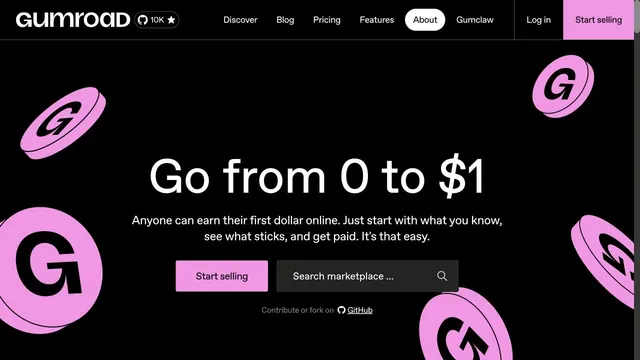
Strong black-and-pink contrast is paired with three-dimensional coins.
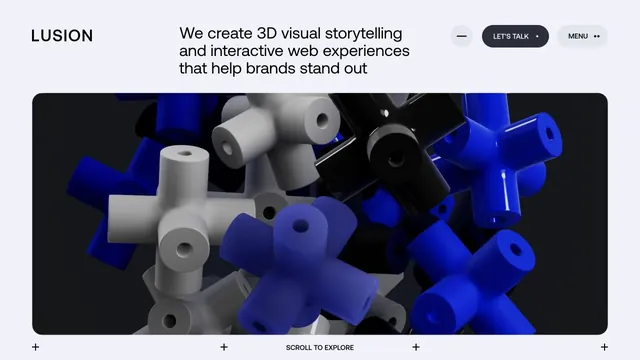
An immersive studio site combining three-dimensional textures with generous space.